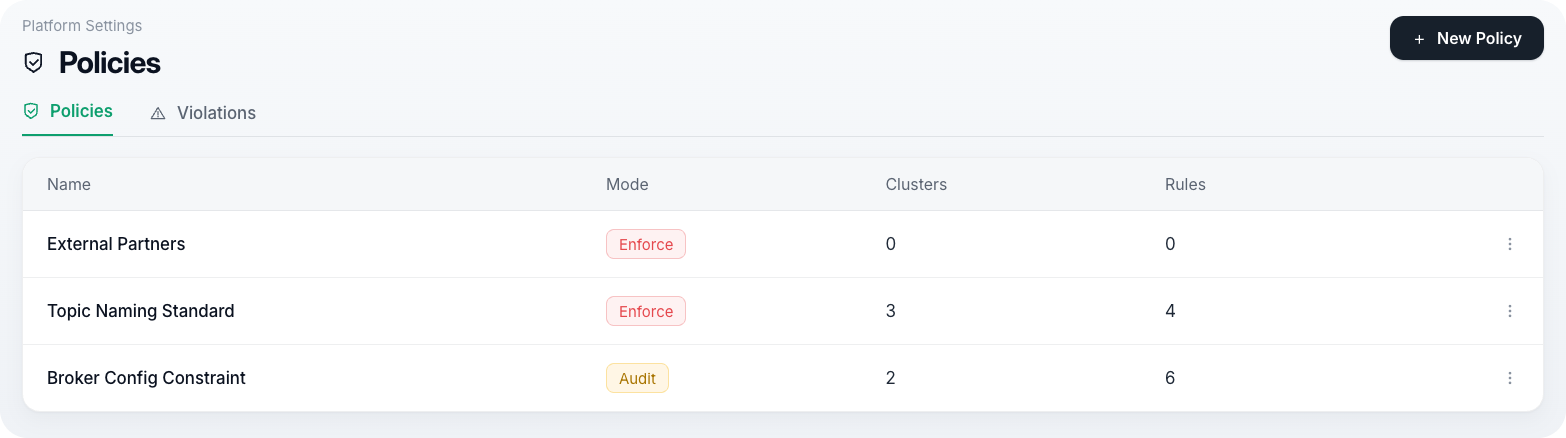

Environments
An environment scopes everything else in Zilla Console: which Gateways are attached, which Kafka clusters are reachable, and which publications of an API Product are live. Most organizations run more than one, for example prod, staging, and dev, each isolated from the others.
Managing Environments
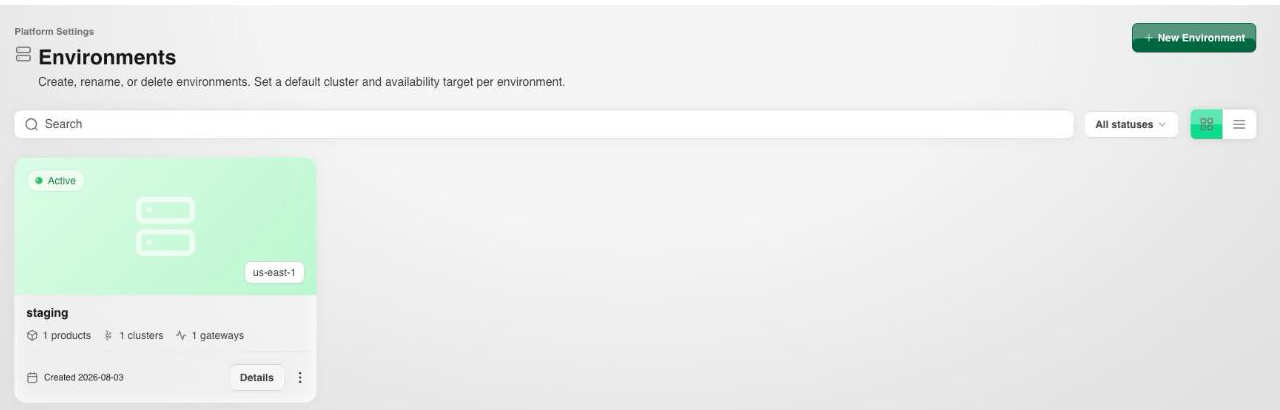
The Environments list shows each environment's status, datacenter/region, and how many API Products, clusters, and Gateway Groups it has.
Opening an environment shows its Kafka Cluster, Gateways, API Products, Security, Policies, and Details tabs.

The Details tab holds the environment's name, datacenter/region, and status (Active, serving traffic or Paused, used during maintenance).
Bootstrap Tokens
A bootstrap token is what a Gateway presents to register itself with a specific environment. It's shown on the environment's Details tab, alongside its expiry and how many Gateways have bootstrapped with it. Select Install Gateways to attach a new Gateway using it, Regenerate token to issue a new one, or Revoke if it's been compromised.

Security
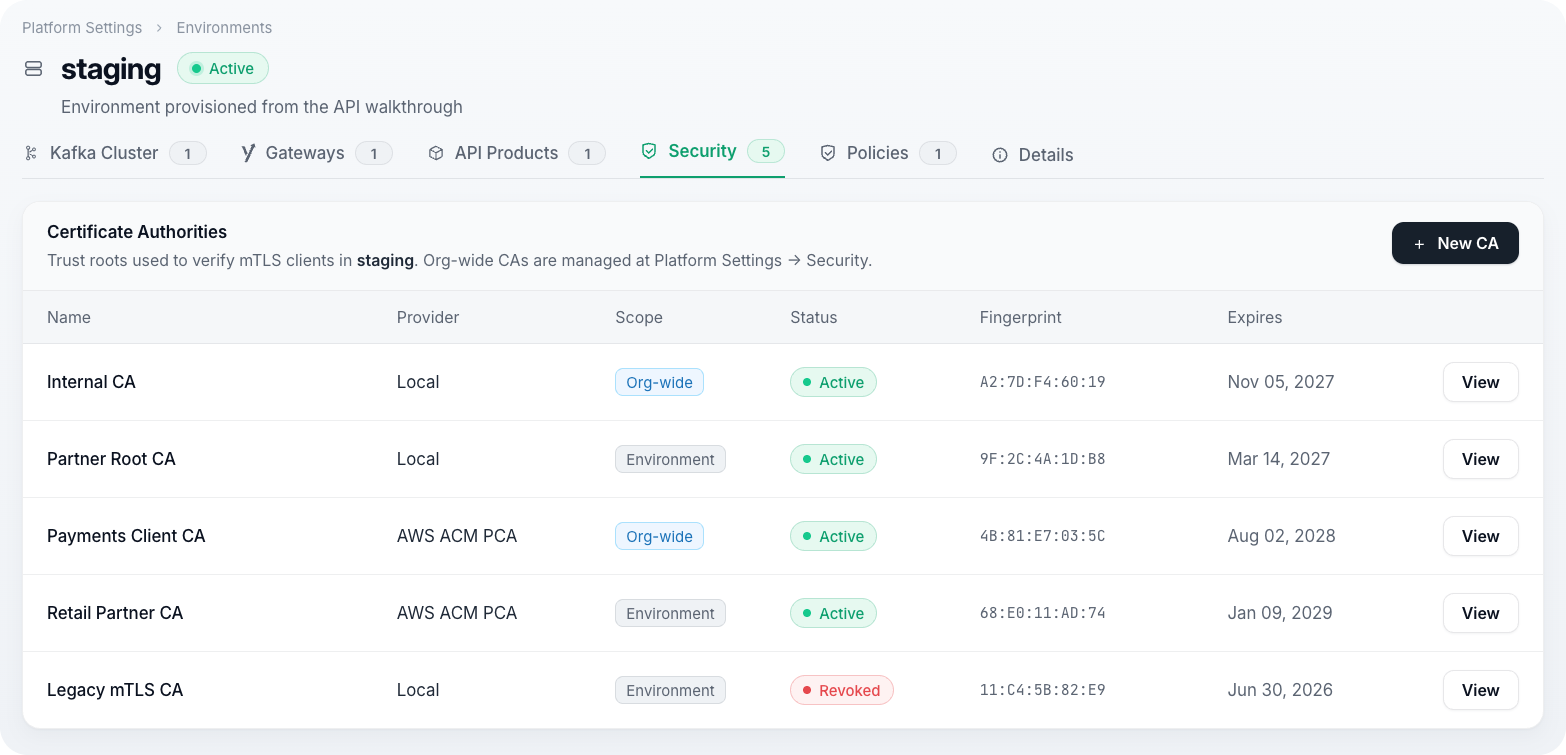
An environment's Security tab holds its Certificate Authorities: the trust roots used to sign and validate mTLS client certificates for API Products served from this environment. See Certificate Authorities.
Policies
An environment's Policies tab lists the Policies attached to its clusters and Gateway Groups. See Policies for how to create one.